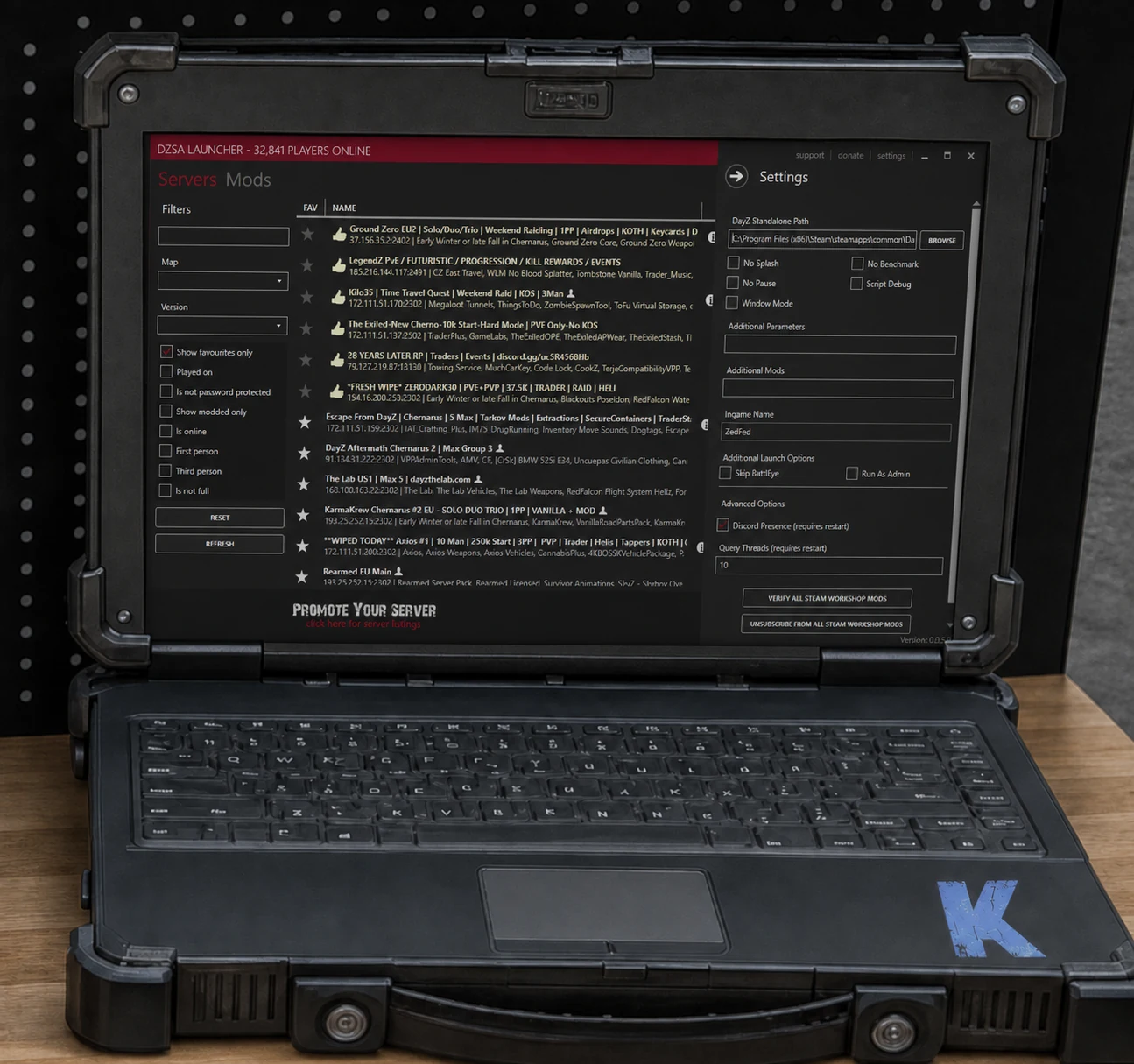
How To Join - Method 1:
Using the In-Game Launcher Launch the game from your Steam Library. From the main menu, click "Servers". Navigate to the "Community" tab. Use the "Filter" or search box to find "KAPPA 4-man". Select the server from the list and click "Join". A window will appear. Click "Setup DLCs and Mods and Join" to automatically download and install required mods before joining.
How To Join - Method 2:
Using Direct Connect (IP and Port) If the server doesn't appear in the browser or if you have the specific IP details (🌍|info). In the DayZ main menu, go to the "Servers" section. Click the "Direct Connect" button. Enter the IP address and port number into the respective fields. Click "Connect". The game will load any necessary mods and join the server.
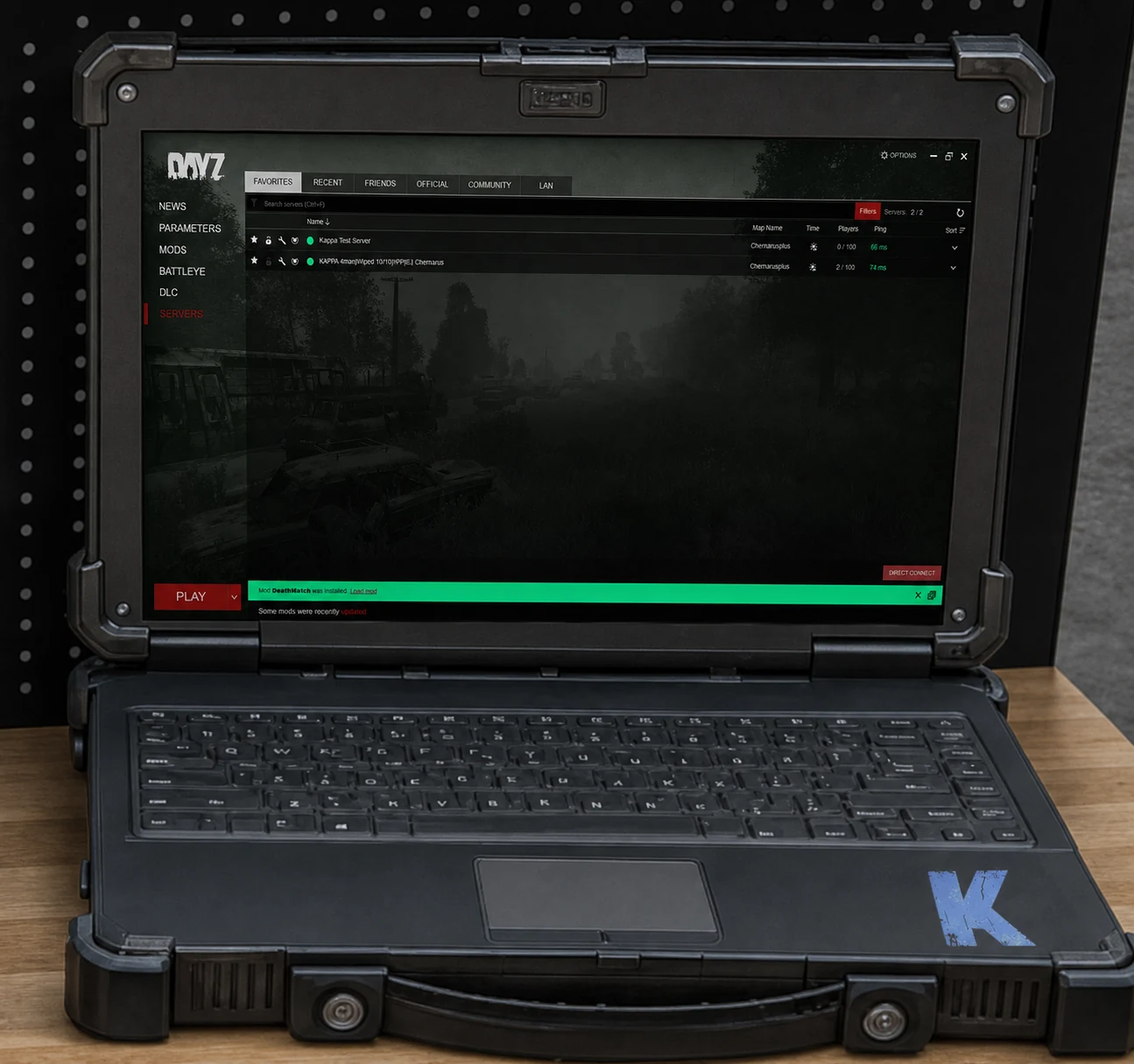
How To Join - Method 3:
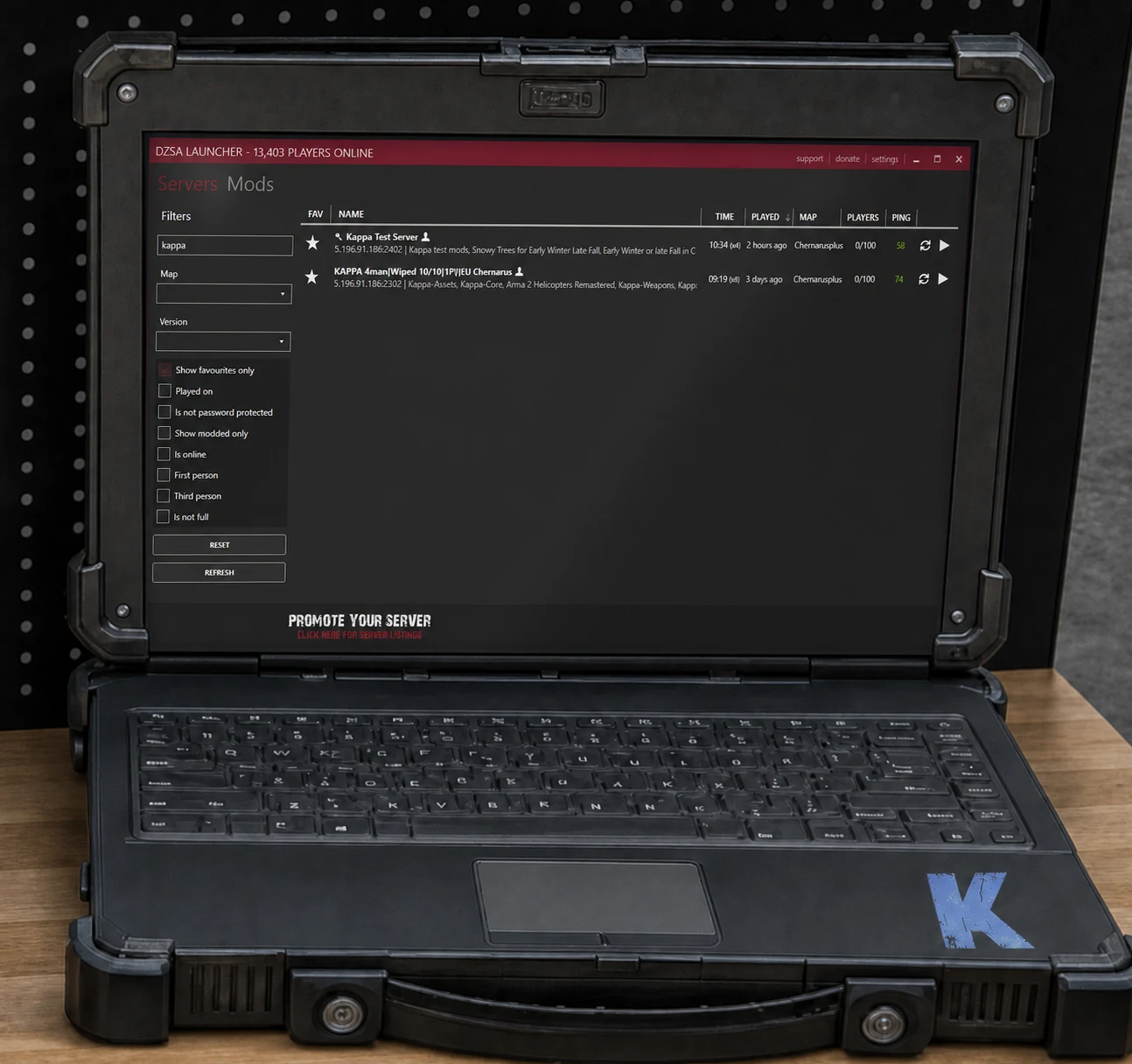
DZSA Launcher Download and install the DZSA Launcher (https://dayzsalauncher.com/) Launch the DZSA Launcher after installation. Use the search bar at the top to find Kappa. Click the "Play" button next to the server in the list to join. The launcher will automatically download and install any required mods. Alternatively, click "Direct Connect," paste the server's IP address and port.
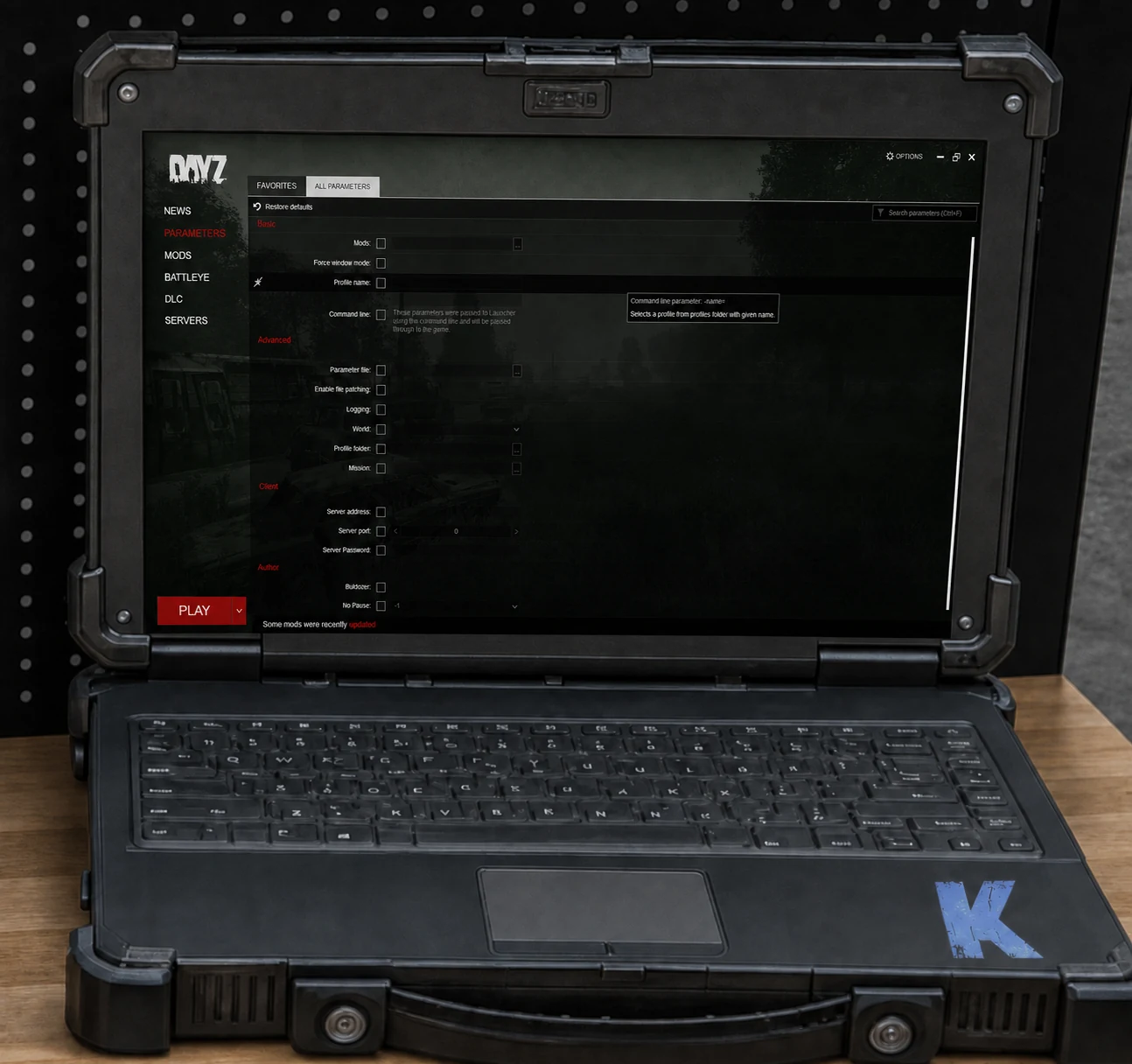
How to change you in game name - Steam Launcher
Open the DayZ launcher from your Steam library. Go to Parameters. Find the Profile Name field. Check the box next to the field and type in your desired name. Restart the launcher for the change to take effect.
How to change you in game name - DZSA Launcher
Open the DZSA Launcher. Go to Settings. Find the Ingame Name option. Type your new name into the field. Restart the launcher if needed.